Free Spark Overlay PNGs for Video Editors
Spark overlays add energy, impact, and visual intensity to video projects, motion graphics, and photo composites. Whether you need welding sparks for an industrial scene, fire sparks for an action sequence, or particle effects for a title reveal, transparent spark PNGs are the fastest way to integrate these effects into your timeline.
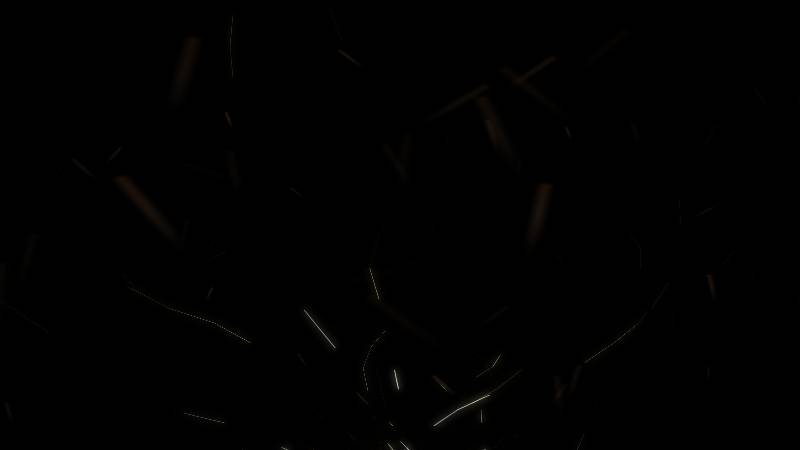
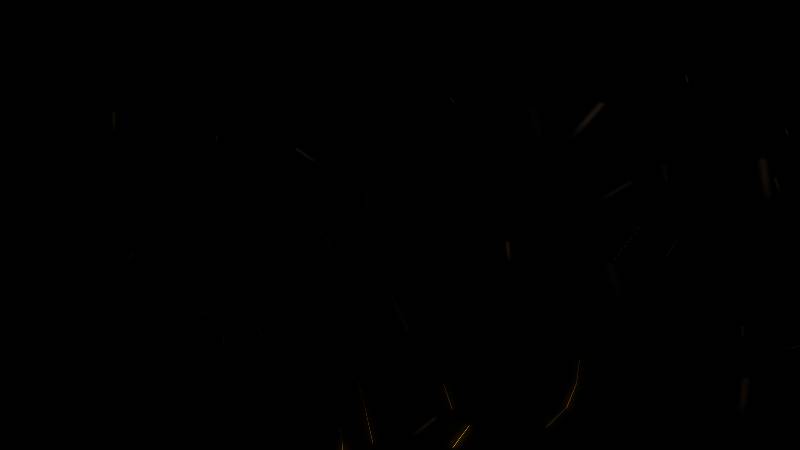
The spark overlays below were created with the FX Labs Spark Generator and are free to use in personal and commercial projects. Each overlay features unique particle trajectories, trail lengths, and emission patterns. Click any thumbnail to open it in the generator and customize it further.
The Spark Overlay Collection
Here are 10 free spark overlay PNGs covering a range of spark styles from focused welding streams to wide explosive bursts. Each effect is rendered on a transparent background and ready for Screen or Add blending in your editor. Click any image to open the preset in the FX Labs Spark Generator.
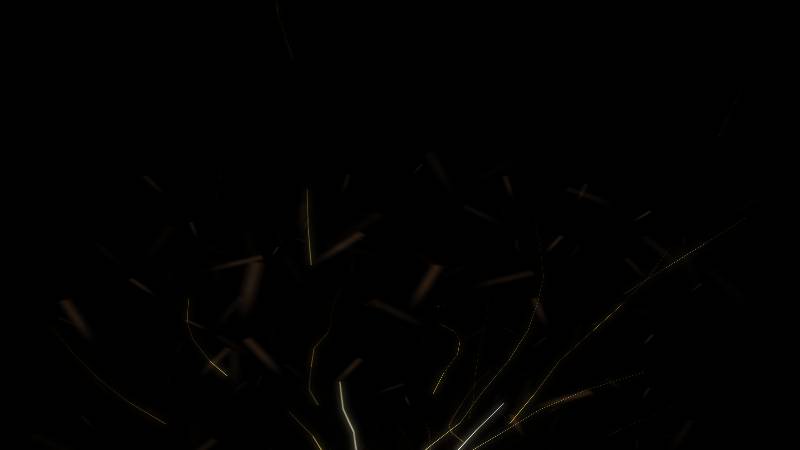
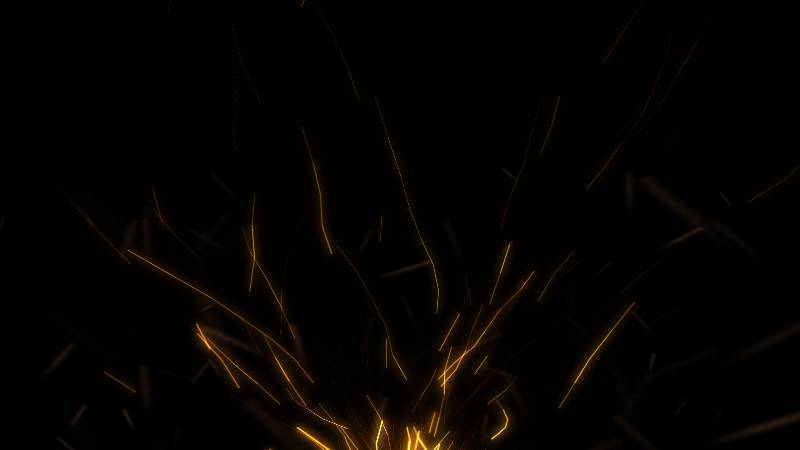
Try the Sparks Generator — Free
Generate custom sparks overlays in your browser. Export transparent PNG up to 4K resolution.
Open Sparks GeneratorHow to Use These Spark Overlays
Click any spark overlay above to open it in the FX Labs Spark Generator with the original seed value loaded. From the generator, you can adjust emission angle, trail length, particle count, gravity, and color before exporting at your desired resolution. Export as a transparent PNG for compositing in any video editor or image editor.
In your editing application, import the spark PNG on a track above your footage and set the blending mode to Screen or Add. Position the emission origin at the contact point in your scene, such as a welding torch, blade strike, or impact location. Scale and rotate to match the angle of your shot for a convincing integration.
Why Generate Spark Effects with FX Labs?
Stock spark footage is typically shot against black backgrounds and limited to the angles and intensities captured on set. With a procedural spark generator, you control the exact emission direction, spread angle, particle count, trail length, and color temperature. This means every spark overlay is tailored to your specific scene rather than approximated from generic footage.
Generated spark overlays also avoid the licensing complexity of stock footage libraries. You own the output and can use it in any personal or commercial project. The seed-based system lets you reproduce any spark effect instantly or iterate on it by adjusting individual parameters.
Explore More Effects
The FX Labs Effect Library includes hundreds of pre-generated spark overlays alongside smoke, fire, fog, lightning, and dust effects. Browse the full collection to find ready-made assets or open any generator to build custom effects from scratch. Every effect in the library links back to its generator preset, so you can modify and re-export at any time.
For video projects, consider layering spark overlays with smoke or fire effects to create complex action scenes. Generating each element independently gives you precise control over the compositing order, timing, and intensity of every visual layer in your final edit.